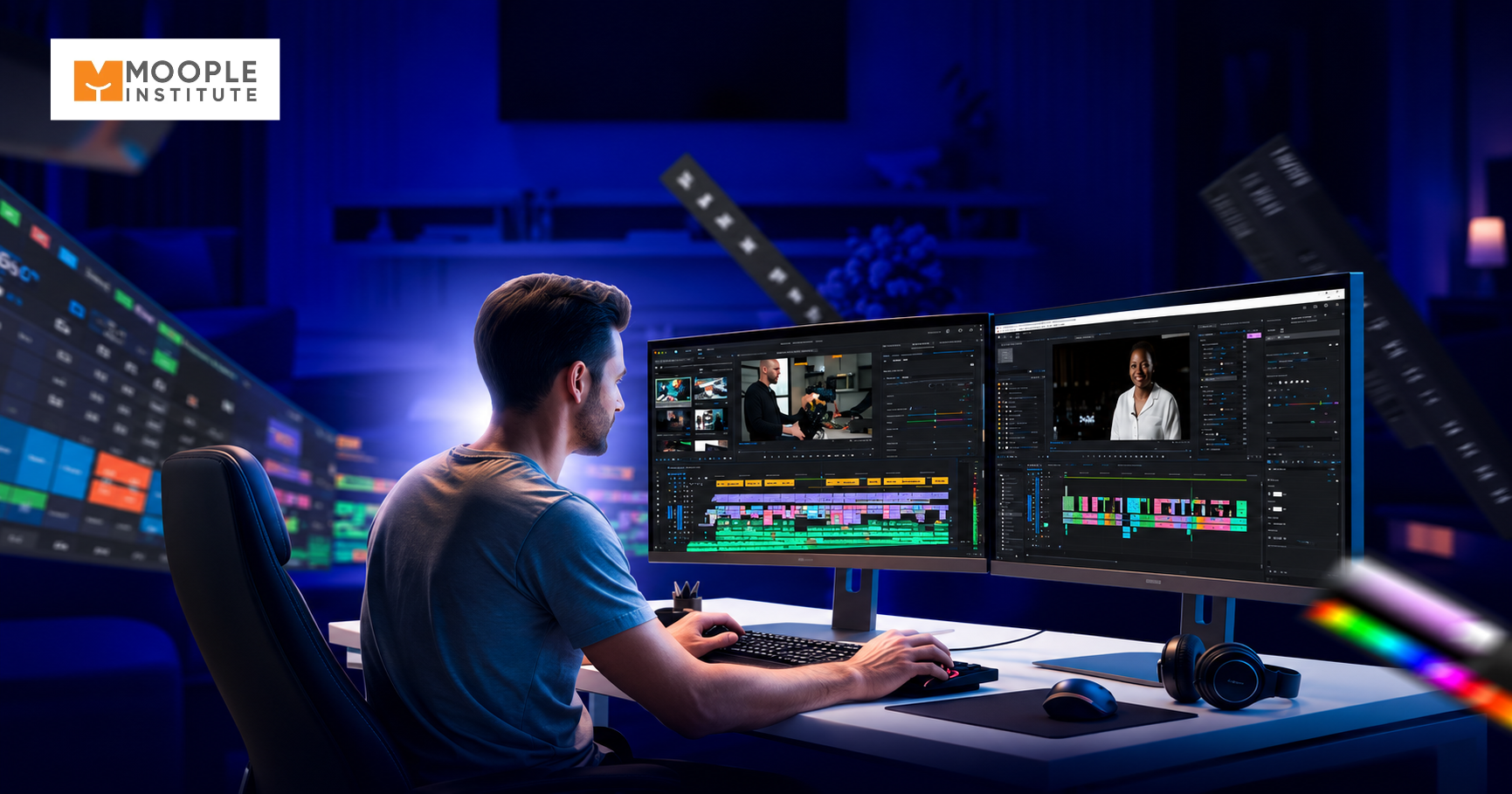
Most beginners lose their first month watching random tutorials and still can’t finish a simple reel. The problem is rarely talent. It’s the order in which they learn things. A good video editing course fixes that by teaching editing as a sequence: organise, cut, polish, export, and then build on it.
Here is what a beginner course should cover, how the learning path works, and what to check before you enrol, especially if you’re comparing a video editing course in Kolkata.
What Should a Beginner Video Editing Course Teach?
A beginner course should take you from raw footage to a finished, exported video using professional software, with projects you can show to others. Look for five things:
- Timeline basics: importing, trimming, splitting and sequencing clips
- Audio: clean dialogue, music balance, noise reduction
- Colour and text: basic correction, titles, simple graphics
- Motion: keyframes, transitions and simple animation
- Exporting for platforms: YouTube, Instagram, client delivery
If a syllabus is only “software overview” with no practical projects, keep looking.
Video Editing for Beginners: Step by Step
Step 1: Learn how an edit is structured
Before opening any software, watch a film scene or a reel and note where the cuts fall. Ask why the editor cut there. Pacing, shot variety and continuity matter more than any effect.
Step 2: Get comfortable with one editing tool
Start with a single timeline-based editor. Learn the interface, shortcuts, and how to import and organise media into bins. Adobe Premiere Pro is a common choice in professional workflows.
Step 3: Practise the core cuts
Spend a week on trimming, ripple edits, J-cuts and L-cuts (where audio leads or trails the picture). These small techniques make an edit feel professional.
Step 4: Fix the sound
Viewers forgive average visuals but not bad audio. Practise levelling dialogue, adding background music at a sensible volume, and removing hiss. A dedicated audio tool like Adobe Audition helps here.
Step 5: Add graphics and motion
Titles, lower thirds and simple animations come next. This is where motion graphics software such as After Effects enters, and where editors start to stand out.
Step 6: Build three small projects
A 30-second reel, a short interview or vlog cut, and a promo video with titles and music. Finished projects teach more than extra tutorials.
Which Software Do Beginners Actually Need?
| Task | Common tool | Why it matters |
|---|---|---|
| Video cutting | Adobe Premiere Pro | Industry-standard timeline editing |
| Motion graphics | Adobe After Effects | Titles, animation, visual polish |
| Sound clean-up | Adobe Audition | Clearer dialogue and balanced mixes |
| Thumbnails and stills | Adobe Photoshop | Cover images, graphics |
| Logos and vector art | Adobe Illustrator | Brand elements for videos |
You don’t need all of these on day one, but knowing how they connect shows you the full workflow.
Video Editing Course in Kolkata: What to Check Before You Enrol
If you’re searching for a video editing course in Kolkata, compare these points rather than just the fee:
- Duration and structure. Ask how the course is divided into modules and what each one covers.
- Software coverage. Does the syllabus name the tools?
- Hands-on time. Ask whether you get a dedicated workstation to practise on.
- Project work. You should leave with a portfolio, not just a certificate.
- Location. A centre you can reach easily means you’ll attend consistently. Travelling an hour each way wears students down.
How Moople’s Course Is Structured
Moople Institute’s Motion Graphics, Video Editing & AI programme runs for 6 months, according to the course page. The modules are laid out like this:
| Module | Focus | Software |
|---|---|---|
| 1 | Vector and raster graphics | Illustrator, Photoshop |
| 2 | Visual communication | After Effects |
| 3 | Brand communication development | After Effects, Premiere Pro |
| 4 | Video editing | Premiere Pro, Audition |
The course page lists a fee of ₹55,000, with a 5% discount for one-time payment. Fees can change, so confirm the current figure with a counsellor. Moople also says its curriculum is built around an AI-integrated framework and offers dedicated student workstations.
The page also suggests basic familiarity with editing software and graphics helps, so if you’re a complete beginner, ask a counsellor how the first module will ease you in.
Moople has centres across Kolkata and nearby areas, including Chowringhee, Jodhpur Park, New Alipore, Sealdah, Baguiati, Barasat, Sonarpur, Serampore, Chandannagar and Berhampore. Students from the Salt Lake side usually look at Baguiati or Sealdah, south Kolkata students at New Alipore or Jodhpur Park, and those from the suburbs at Sonarpur, Barasat or Serampore.
Practical Tips for Beginner Editors
- Edit every day, even for 20 minutes. Consistency beats long weekend sessions.
- Learn shortcuts early. They cut editing time dramatically.
- Recreate, don’t copy. Rebuild a reel you like using your own footage to understand the technique.
- Ask for feedback. Fresh eyes spot pacing problems you’ve gone blind to.
- Keep your files organised. Name clips and folders from the start. Messy projects slow down every future edit.
FAQs
1. Can I learn video editing with no experience?
Yes. Most people start from zero. Begin with the timeline basics and build up through small projects. For a structured course, check the institute’s entry requirements.
2. How long does it take to learn video editing?
You can edit simple videos within a few weeks. Becoming job-ready takes longer, because it needs project practice, audio and motion skills. Moople’s programme runs 6 months.
3. Which software should a beginner learn first?
Start with one editor, such as Premiere Pro, and add After Effects and Audition once your cuts are solid.
4. Is a video editing course in Kolkata worth it compared to online tutorials?
Free tutorials teach tools, while a course gives structure, feedback and workstation access. Choose based on how much guidance you need.
5. What can I do after completing the course?
Roles include video editor and motion graphic designer, among others, based on what Moople’s course page lists. Your portfolio will decide how far you go.
6. Do I need an expensive computer?
Not to start. Basic editing runs on a mid-range machine, while heavier projects and effects need more power. A centre with provided workstations removes that worry.
7. Which Moople centre is nearest to me?
Moople lists centres including Chowringhee, Jodhpur Park, New Alipore, Sealdah and Baguiati, among others. The centres page shows the full list.
Conclusion
The best video editing course for beginners follows a clear order: structure, software, sound, motion, then projects. Whether you pick a video editing course in Kolkata or learn another way, judge it by its syllabus, practice time and portfolio outcome, not just the price.
If you’d like to see the full syllabus and talk to a counsellor, explore Moople’s Motion Graphics, Video Editing & AI course and book a free counselling session at the centre closest to you.
Pooja Sharma is a creative education content writer who creates engaging articles on career guidance, skill development, and learning opportunities to help students make informed decisions.