
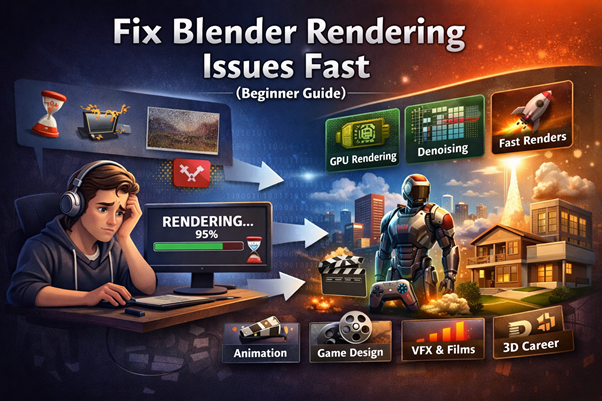
When Creativity Meets Frustration
You’ve spent hours building your 3D scene—perfect lighting, detailed textures, smooth animation. Then comes the final step: rendering.
And suddenly—everything slows down. Frames take forever. The output looks noisy. Sometimes, Blender crashes altogether.
This is where most beginners get stuck.
But here’s the bigger picture:
Rendering challenges aren’t just technical problems—they’re skill gaps that separate hobbyists from professionals. Once you understand how to fix them, you unlock not just faster renders, but real career opportunities in animation, VFX, gaming, and digital design.
Why Blender Rendering Feels So Difficult
Rendering is one of the most resource-intensive processes in 3D design. It combines:
- Lighting calculations
- Texture mapping
- Physics simulation
- Camera processing
Even small inefficiencies can multiply into major delays.
Common Problems Beginners Face
- Slow rendering times
- Grainy or noisy images
- Crashes or freezes
- Overheating systems
- Poor output quality
The good news? Most of these issues are fixable with the right approach.
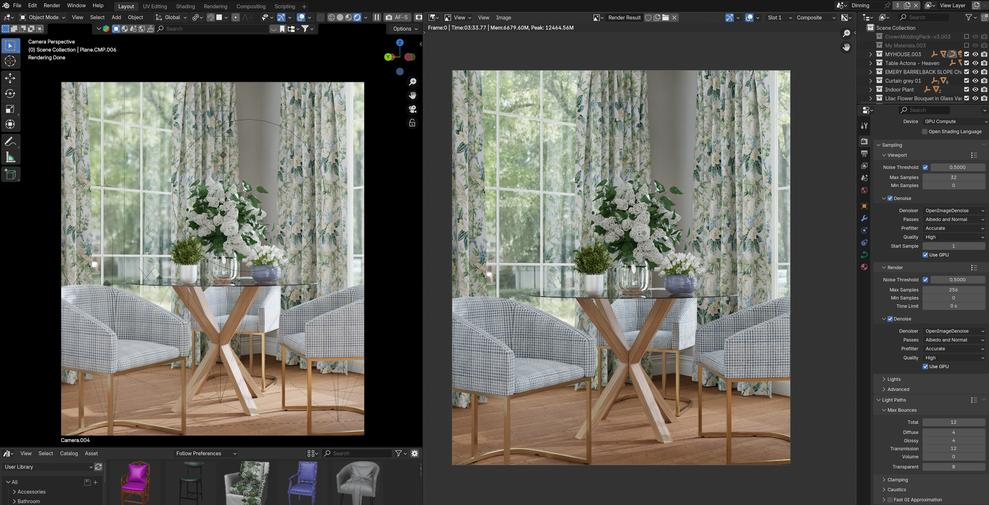
Quick Fix Guide to Blender Rendering Issues
1. Reduce Render Samples Smartly
High sample values improve quality—but also increase render time.
Fix:
- Use lower samples (100–300) for previews
- Use higher samples (500–1000) only for final renders
- Enable Denoising to maintain quality with fewer samples
This single tweak can reduce render time by up to 60%.
2. Switch to GPU Rendering
By default, Blender may use CPU rendering, which is slower.
Fix:
- Go to Preferences → System
- Enable CUDA / OptiX (NVIDIA) or HIP (AMD)
- Switch to GPU Compute
Result:
GPU rendering can be 5–10x faster than CPU.
3. Optimize Lighting Instead of Increasing Power
Many beginners increase light intensity unnecessarily, causing noise.
Fix:
- Use HDRI lighting for natural illumination
- Reduce the number of light sources
- Use the Light Bounces limit in Cycles
4. Control Texture Sizes
High-resolution textures look great—but they slow everything down.
Fix:
- Use 2K textures instead of 4K unless needed
- Compress textures where possible
- Remove unused materials
5. Use Simplify Settings
Blender has a built-in optimization tool.
Fix:
- Enable Simplify in Render Properties
- Reduce subdivision levels
- Limit particle counts
6. Fix Noise with Denoising
Noise is one of the biggest beginner frustrations.
Fix:
- Enable OpenImageDenoise or OptiX Denoiser
- Use it in both the viewport and the final render
7. Manage Scene Complexity
Heavy scenes = slow performance.
Fix:
- Hide objects not visible in the camera
- Use instances instead of duplicates
- Apply modifiers only when needed
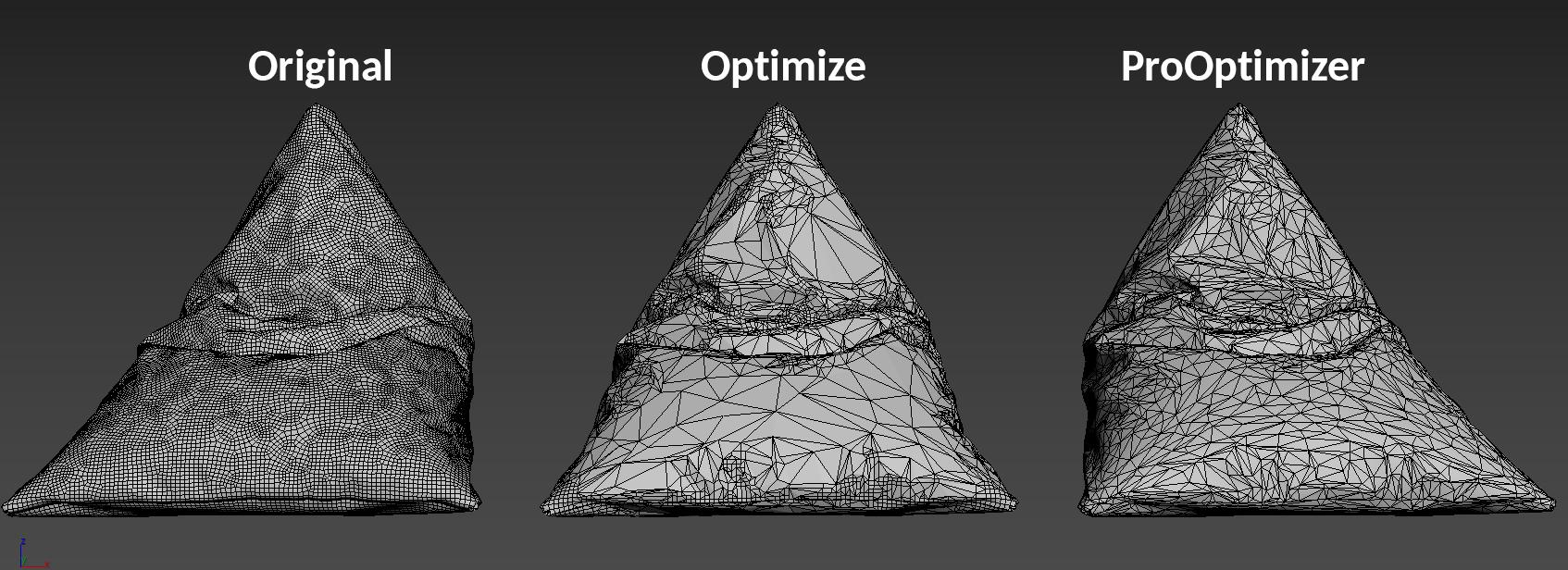
A Simple Framework to Optimize Every Render
Think of rendering like a system:
Speed = Hardware + Settings + Scene Optimization
Follow this workflow:
- Start with low settings
- Optimize lighting and textures
- Enable GPU rendering
- Increase quality only at the final stage
This approach ensures efficiency without sacrificing output.
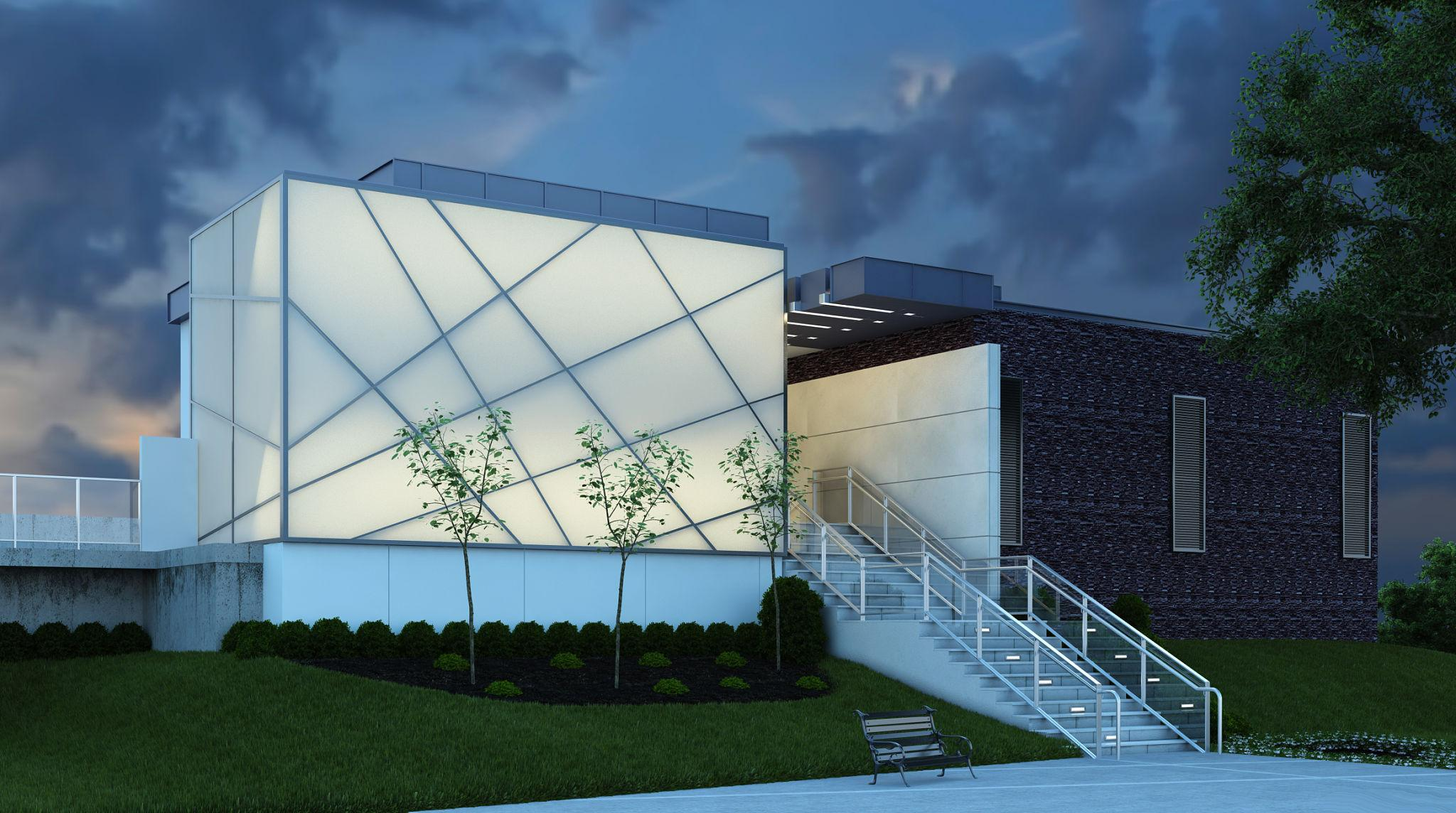
Real-World Use Cases of Blender Rendering Skills
Once optimized, Blender becomes a powerful career tool.
Animation & Films
Create cinematic scenes, short films, and visual storytelling content.
Game Design
Design characters, environments, and assets for real-time engines.
Advertising & Marketing
Brands use 3D visuals for product ads and social media campaigns.
Architecture & Interior Design
Render realistic walkthroughs and building visualizations.
Career Scope After Learning Blender
The demand for 3D skills is rising globally.
Job Roles You Can Target
- 3D Artist
- Blender Artist
- Lighting & Rendering Artist
- VFX Artist
- Motion Graphics Designer
Average Salary (India)
- Beginner: ₹2.5L – ₹4L per year
- Mid-Level: ₹5L – ₹8L per year
- Advanced: ₹10L+ per year
Freelancers and global remote artists often earn even more.
Why Learning the Right Way Matters
Many students try to learn Blender through random tutorials—but struggle with real-world workflows.
A structured 3D modeling course or Blender modeling course helps you:
- Understand rendering pipelines
- Work on industry-level projects
- Build a professional portfolio
- Learn optimization techniques used in studios
Similarly, blender 3d classes with mentorship can accelerate learning by months.
ROI — Is Learning Blender Worth It?
Short answer: Yes—if approached strategically.
Investment:
- Course duration: 3–12 months
- Learning cost: Moderate
Returns:
- High-demand skill globally
- Freelance + full-time opportunities
- Creative + technical career growth
In today’s digital economy, 3D skills are becoming as essential as graphic design once was.
What This Means for the Future
Rendering is no longer just a technical step—it’s becoming a core creative skill.
With AI, real-time engines, and virtual production growing rapidly:
- Faster rendering = faster content creation
- Better visuals = higher brand value
- Skilled artists = global career mobility
Students who master tools like Blender today are positioning themselves for future-proof careers in digital creation.
FAQs (People Also Ask)
1. Why is my Blender render so slow?
Usually due to high samples, CPU rendering, heavy textures, or unoptimized scenes. Switching to GPU and reducing samples helps significantly.
2. How can I make Blender render faster without losing quality?
Use denoising, optimize lighting, reduce unnecessary textures, and increase samples only during final rendering.
3. Is GPU rendering better than CPU in Blender?
Yes. GPU rendering is significantly faster and more efficient for most rendering tasks.
4. Do I need a high-end PC for Blender rendering?
Not necessarily. Optimization techniques can improve performance even on mid-range systems, though better hardware can further increase speed.
5. Can I build a career using Blender skills?
Absolutely. Blender is widely used in animation, gaming, VFX, and design industries, offering strong career and freelance opportunities.
Final Takeaway
Struggling with rendering isn’t a limitation—it’s a turning point.
Once you understand how to optimize Blender, you move from trial and error to professional-level execution. And that’s exactly where careers begin.
If you’re serious about building a future in 3D, this is the moment to go deeper—explore structured learning, build projects, and start creating work that stands out.

Farhat Jabeen is passionate about documenting the student enrollment journey in the fields of technology, design, and digital media. Through her writing, she shares practical guidance, industry insights, and real-world learning experiences that help aspiring students confidently navigate their path toward creative and technology-driven careers. Her goal is to empower learners with the knowledge they need to choose the right educational journey.