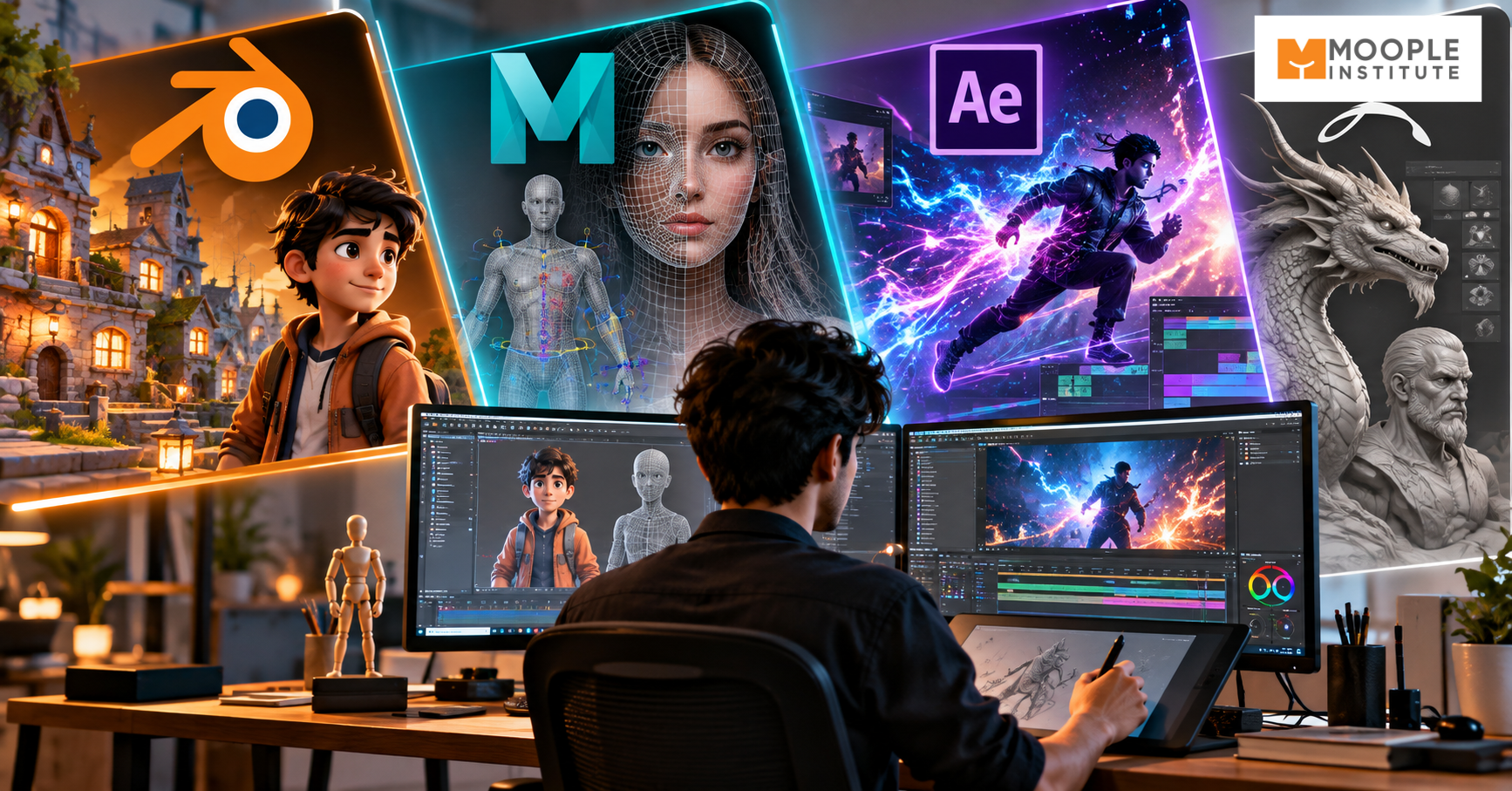
An animation degree course teaches you to think like an animator first and operate software second. Still, the software is how your ideas reach the screen. Most programmes, including a BSc in animation and filmmaking, build their practical training around four tools: Blender for all-round 3D, Maya for character animation and rigging, After Effects for motion graphics and compositing, and ZBrush for digital sculpting. Each solves a different problem in the production pipeline, and knowing where each fits helps you choose a course and plan your practice.
What Students Usually Want to Know
Anyone searching for an animation degree course is typically comparing options and asking three things: what will I learn, which tools matter, and will this lead to work? This guide covers the second question in detail, since software skills are the most visible part of your portfolio.
How a Production Pipeline Uses These Four Tools
A short animated film moves through stages: concept, modelling, sculpting, rigging, animation, rendering, compositing and finishing. The four tools map onto that flow:
| Software | Main role | Typical stage |
|---|---|---|
| Blender | Modelling, animation, rendering, even video editing | Start to finish |
| Maya | Character animation, rigging, complex scenes | Production |
| ZBrush | High-detail sculpting of characters and creatures | Modelling |
| After Effects | Compositing, motion graphics, titles, VFX touches | Post-production |
Blender: The Best Place to Start
Blender is free and open source, which makes it ideal for beginners practising at home. It covers modelling, sculpting, rigging, animation, simulation and rendering in one package, so you see the whole pipeline early.
In a degree course, Blender usually serves as the foundation. You learn the 3D viewport, polygon modelling, materials, lighting and basic keyframe animation. A good first project is a small environment, such as a tea stall or a rooftop scene, because it forces you to practise modelling, texturing and lighting together.
Tip: Because Blender costs nothing, you can build a showreel before you finish the course.
Maya: The Character Animation Workhorse
Maya, from Autodesk, is widely used in animation and VFX studios, particularly for character animation and rigging. Its animation tools, such as the Graph Editor and Time Editor, give animators fine control over timing and performance. Its rigging toolset is also deep.
Expect your course to use Maya for:
- Character rigging: building skeletons and controls so a model can move believably
- Keyframe animation: walk cycles, weight shifts, and acting performances
- Scene management: organising complex files the way studios do
The learning curve is steeper than Blender’s, so it helps to arrive with basic 3D concepts already clear. Autodesk has offered free educational access to eligible students, so check current eligibility on their site.
After Effects: Where Everything Comes Together
After Effects, from Adobe, is the standard tool for motion graphics and compositing. Even a purely 3D film usually passes through it for colour correction, glow, text, transitions and layering of rendered passes.
This is where animation meets filmmaking. A BSc in animation and filmmaking benefits from After Effects because it connects your CGI work to live-action footage, titles and finished edits. You will practise keyframing, masking, tracking, expressions and working with layers.
A useful exercise is animating a 30-second logo reveal or explainer clip. It is short enough to finish and exactly the kind of work freelancers get hired for.
ZBrush: Sculpting Detail You Can’t Easily Model
ZBrush, now part of Maxon’s software line, works like digital clay. Instead of pushing vertices around, you sculpt with brushes, which suits organic subjects like faces, creatures, costumes and props with wrinkles or scars.
ZBrush rarely replaces other software. You sculpt a high-detail character in ZBrush, then bring a cleaned-up version into Maya or Blender for rigging and animation. Students interested in character design, games or collectibles often find it the most enjoyable tool in the course.
Which Software Should You Learn First?
If you’re self-practising before admission, this order works well for most people:
- Blender to learn 3D fundamentals at no cost
- After Effects to get quick, visible results with motion graphics
- Maya once you understand 3D space and want character animation depth
- ZBrush when you’re ready to specialise in character or creature art
Don’t try to master all four at once. Employers care far more about one strong demo reel than a long list of half-learned tools.
Beyond Software: What a Good Animation Degree Course Adds
Software changes with every release, but the principles stay. Look for a course that also teaches:
- Drawing, storyboarding and visual storytelling
- The twelve principles of animation, such as squash and stretch, and anticipation
- Film language, editing, sound and scriptwriting
- Portfolio building and presentation
These are what separate someone who can use buttons from someone who can tell a story.
Studying Animation in Kolkata and Nearby Areas
Kolkata has a growing community of young creators, and students commute in from Baguiati, Barasat, Berhampore, Chandannagar, Chowringhee, Jodhpur Park, New Alipore, Sealdah, Serampore and Sonarpur. When comparing institutes, ask practical questions: which software versions are installed, how many hours you get on a workstation, and whether you’ll work on team projects. Visit in person, look at past student work, and ask to see a class in progress.
Frequently Asked Questions
1. Which software is taught in an animation degree course?
Most courses cover Blender, Maya, After Effects and ZBrush, often alongside Photoshop, Premiere Pro, and sometimes Substance Painter or Unreal Engine. The exact list depends on the institute.
2. Is Blender enough to get a job?
Blender is capable of professional work, and many studios and freelancers use it. Some studios still prefer Maya, so learning both widens your options.
3. Do I need to know drawing before joining?
Not strictly. Drawing helps with storyboarding and character design, but most courses teach the basics, and your skills improve with practice.
4. What’s the difference between animation and a BSc in animation and filmmaking?
Pure animation programmes focus on 2D and 3D production, while a BSc in animation and filmmaking usually adds film theory, cinematography, editing and direction. Check each syllabus and the awarding body before applying.
5. Do I need an expensive computer?
Not to start. Blender and After Effects run on mid-range machines for small projects. Heavy rendering and ZBrush sculpting benefit from more RAM and a decent graphics card. Institute labs usually cover this during the course.
6. How long does it take to become comfortable with these tools?
It varies by person and practice time. Expect to be comfortable with the basics within a few months of regular work, while polished professional skill takes longer.
7. Can I learn these tools online instead?
You can, and plenty of free tutorials exist. A structured course adds feedback, deadlines, mentors and peers, which many learners find hard to replicate alone.
Conclusion
Blender, Maya, After Effects and ZBrush each cover a different part of the animation pipeline, and together they give you a solid, employable toolkit. The right animation degree course teaches them in a sensible order, alongside storytelling and design, so you graduate with a portfolio rather than just certificates. If you’re in Kolkata and thinking about a career in animation, explore the animation course at Moople Institute to see how the programme is structured and what you’d work on.
Visit Us Today :

Farhat Jabeen is passionate about documenting the student enrollment journey in the fields of technology, design, and digital media. Through her writing, she shares practical guidance, industry insights, and real-world learning experiences that help aspiring students confidently navigate their path toward creative and technology-driven careers. Her goal is to empower learners with the knowledge they need to choose the right educational journey.